
Appearance
Post a bubble
Tap the + button on the Feed tab.
Pick your media
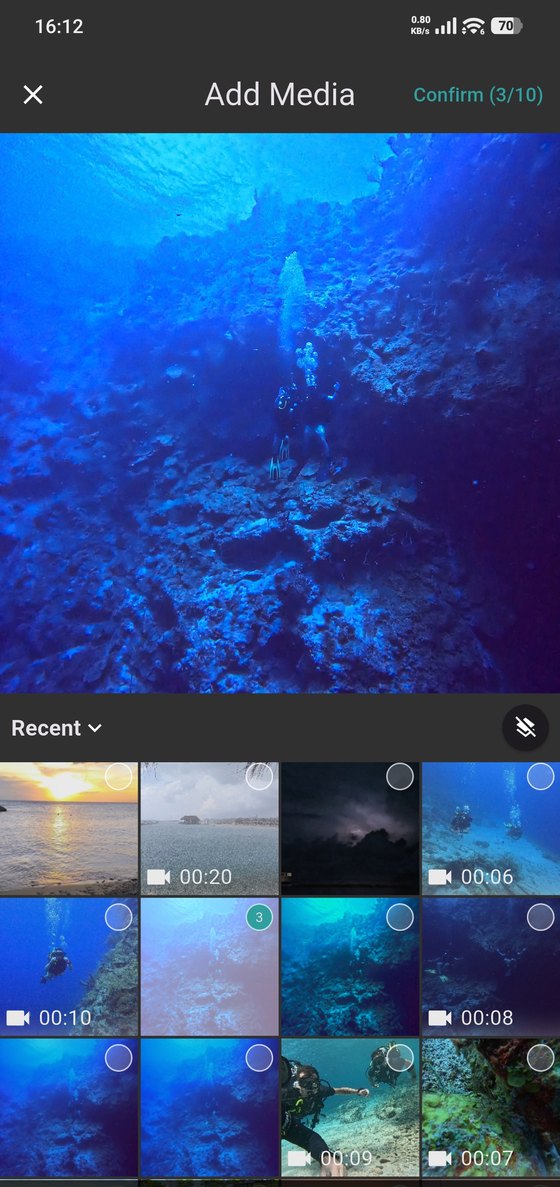
Select up to ten photos or videos from your phone. Videos show their length so you know what you're picking. The counter at the top tracks how many you've chosen.
Edit before you post
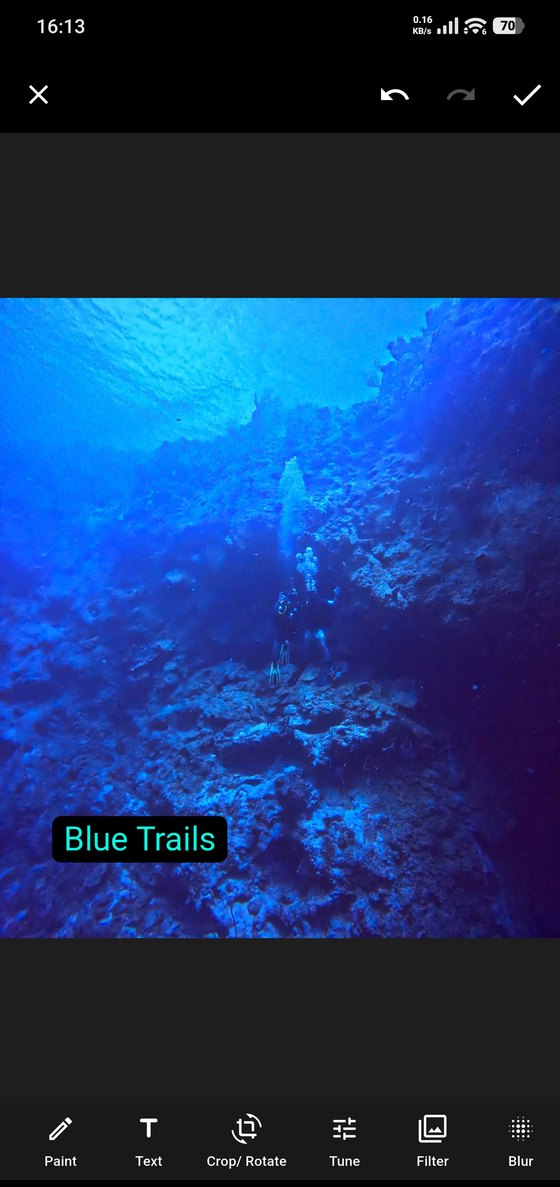
The editor gives you the usual tools along the bottom — paint, text, crop and rotate, tune, filter and blur. The blur tool is worth knowing about: it's how you cover a face, a boat name or anything else in the frame you'd rather not publish.
Write and publish
Add your caption and post. Where the bubble is visible follows your default in Privacy, which you can set to your buddies or to anyone.
Photos count against your storage
Media you post uses the storage in your plan. The free plan includes 100 MB with a 10 MB limit per upload; see Subscription.