
Appearance
A dive in detail
Tap any dive in your logbook to open it.
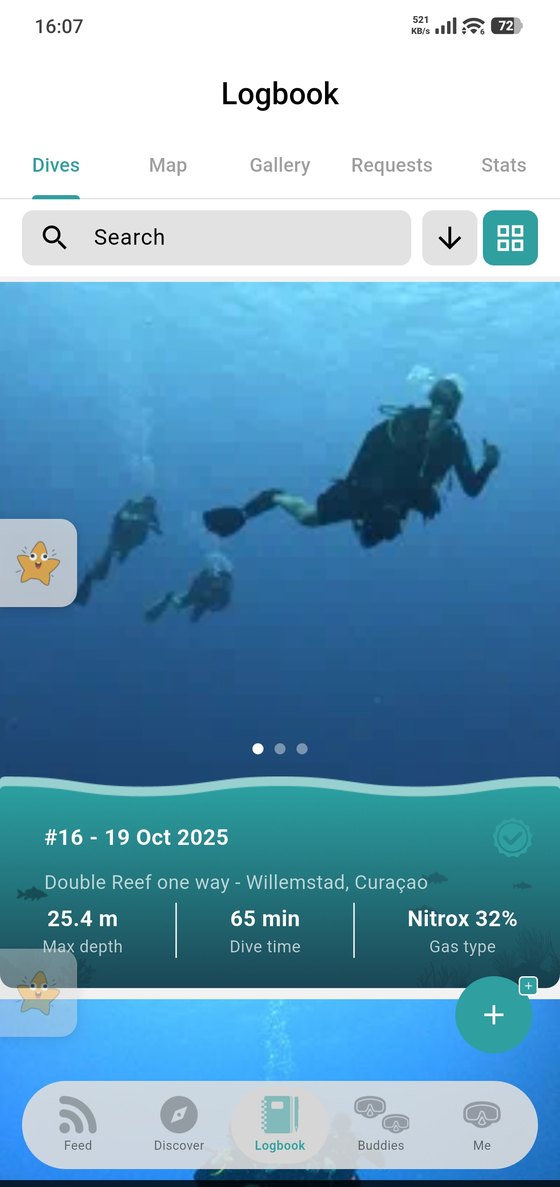
The photos you attached run across the top; swipe through them. Below sits the summary of the dive — its number and date, the site, and the three figures that matter most: max depth, dive time and gas type.
Scroll on for everything else you logged: conditions, equipment, buddies, wildlife, the dive center, your score and your notes.
Editing
Open the dive and use the edit action to change anything. A dive that has already been verified keeps its verification, but editing the diving facts is what a certifier signed off on — so change those only if they were wrong.
Sharing it
A dive is private, shared with buddies or public depending on what you chose when you saved it (and on your default in Privacy). Posting photos from a dive to the feed is a separate action — see Post a bubble.