
Appearance
Settings
The gear icon on your profile opens Settings.
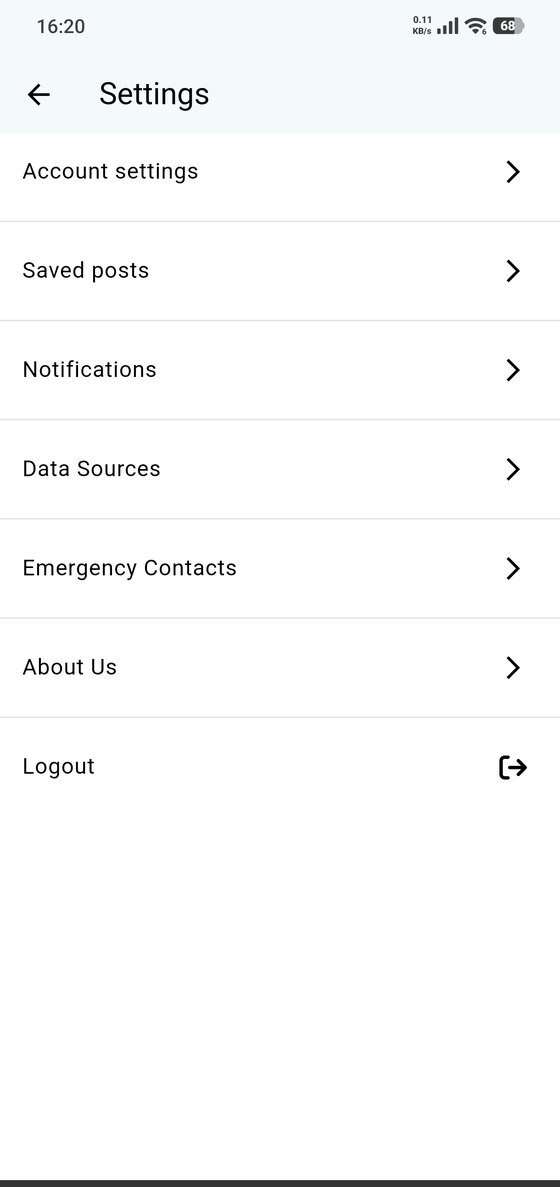
- Account settings — everything about your account (below).
- Saved posts — the bubbles you bookmarked in the feed.
- Notifications — what the app tells you about.
- Data Sources — importing dives.
- Emergency Contacts — emergency information.
- About Us — who's behind Blue Trails, links and the app version.
- Logout.
Account settings
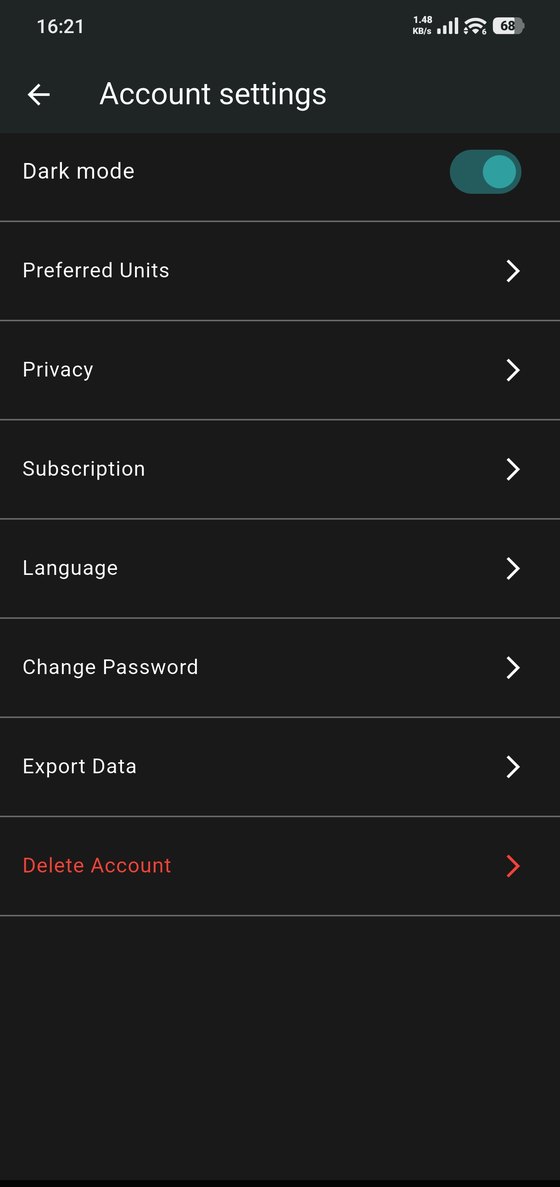
- Appearance — light, dark, or follow your phone's setting.
- Preferred Units — metres or feet, bar or psi.
- Privacy — who sees what.
- Subscription — your plan and storage.
- Language — the app's language.
- Export Data — get your data out.
- Delete Account — close your account for good.
Deleting your account
Deleting permanently removes your dives, photos, videos, equipment, documents, certifications, conversations and buddy connections. It can't be undone, and the app asks for a verification code before going ahead. If you only want your data, export it first. What's deleted and what's kept.