
Appearance
How the calendar works
Plans & Bookings is where your schedule becomes real activities and you put divers on them. Open a center and choose Plans & Bookings in the sidebar.
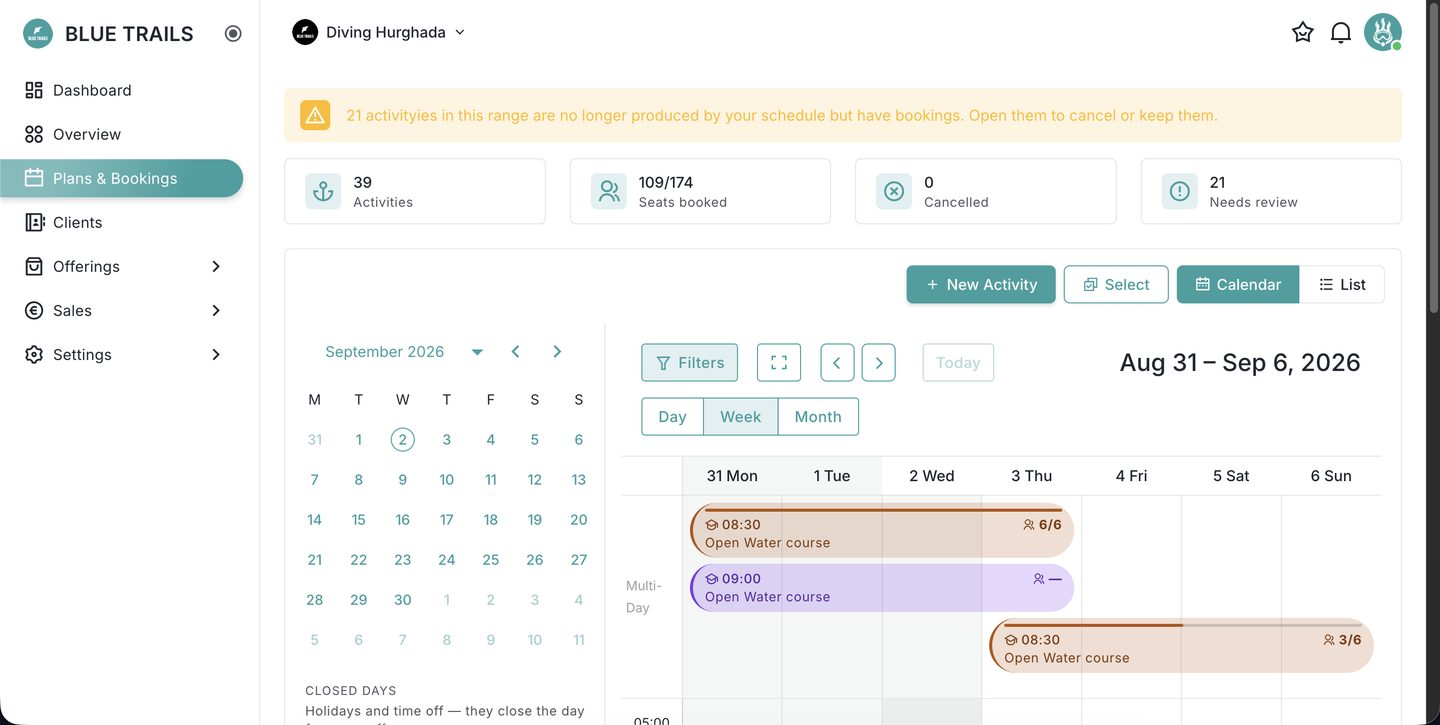
What you're looking at
Up top, four figures for the range you're viewing: activities, seats booked, cancellations and anything that needs review. Below that, a legend — each service has its own colour — and then the calendar itself.
Every activity you see comes from one of two places:
- From your schedule — generated automatically from a service's season schedule: its days, its departure times and their capacity.
- One-off — an activity you added by hand with New Activity.
Views
Switch between Day, Week and Month, and use Calendar or List depending on whether you want the grid or a plain list of departures. The arrows and Today move you through time.
Times are the center's local time
Activities show in the dive center's time zone — the 09:00 boat leaves at 09:00 where the boat is, regardless of where you happen to be looking from. If your device is in a different zone, the portal tells you so you're never caught out.
Where to go next
- Schedule an activity — add or adjust departures.
- Book divers in — fill your seats.
- The roster — who's on a given departure.
- Rental needs — the gear each diver needs.
- The departure sheet — the printout for the day.