
Appearance
Create a dive center
Your dive center is your public listing on Blue Trails. Everything else in the portal — offerings, activities, bookings — hangs off it. This is the first thing to set up after you sign in.
Add a center
From the sidebar open Dive Centers, then use + New Dive Center. You give it a name and a location, and it's created right away as a draft only you can see.
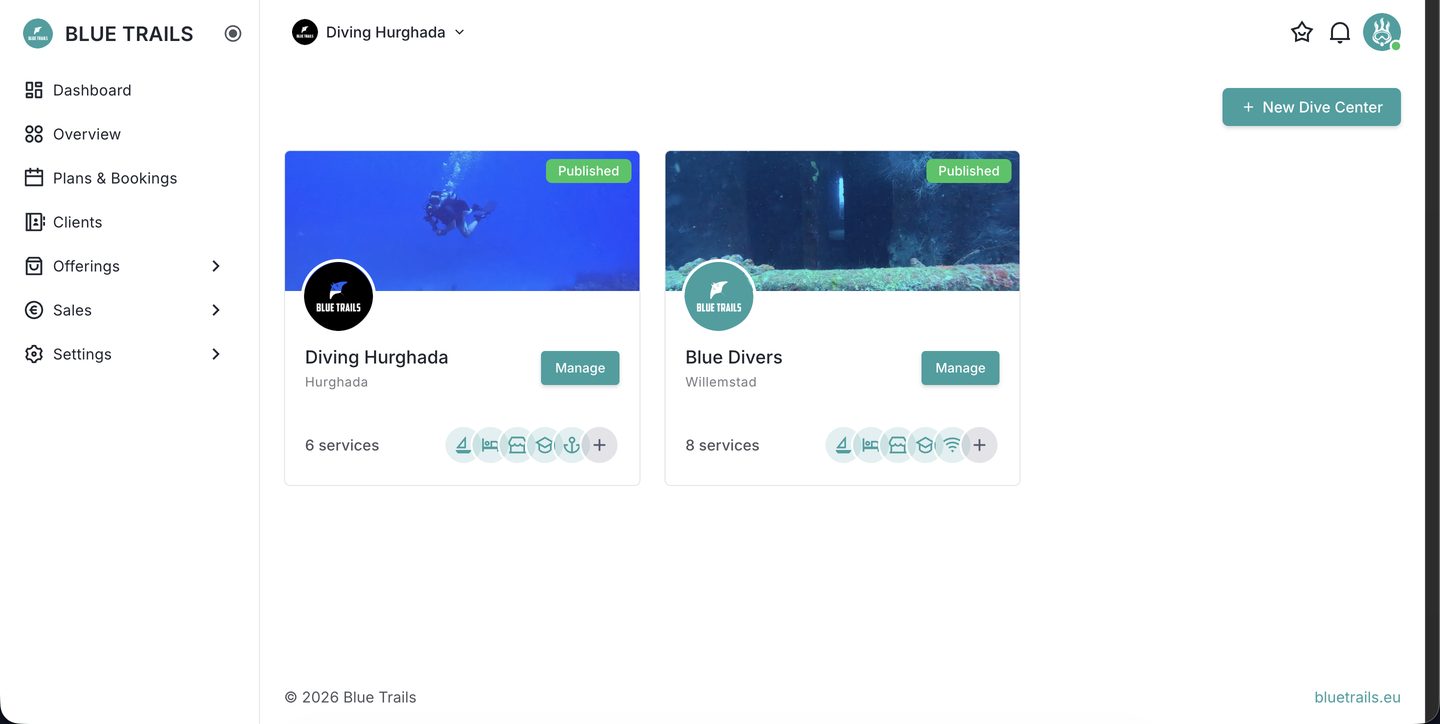
Each center shows a status:
- Published — visible in the app (once your account is approved).
- Draft / Unpublished — only you can see it while you get it ready.
Companies on a multi-center plan can add more than one center and switch between them from the top bar; independent accounts have a single center.
What's next
A brand-new center is mostly empty. From its Overview you'll see what's left to complete and a button to edit the profile.
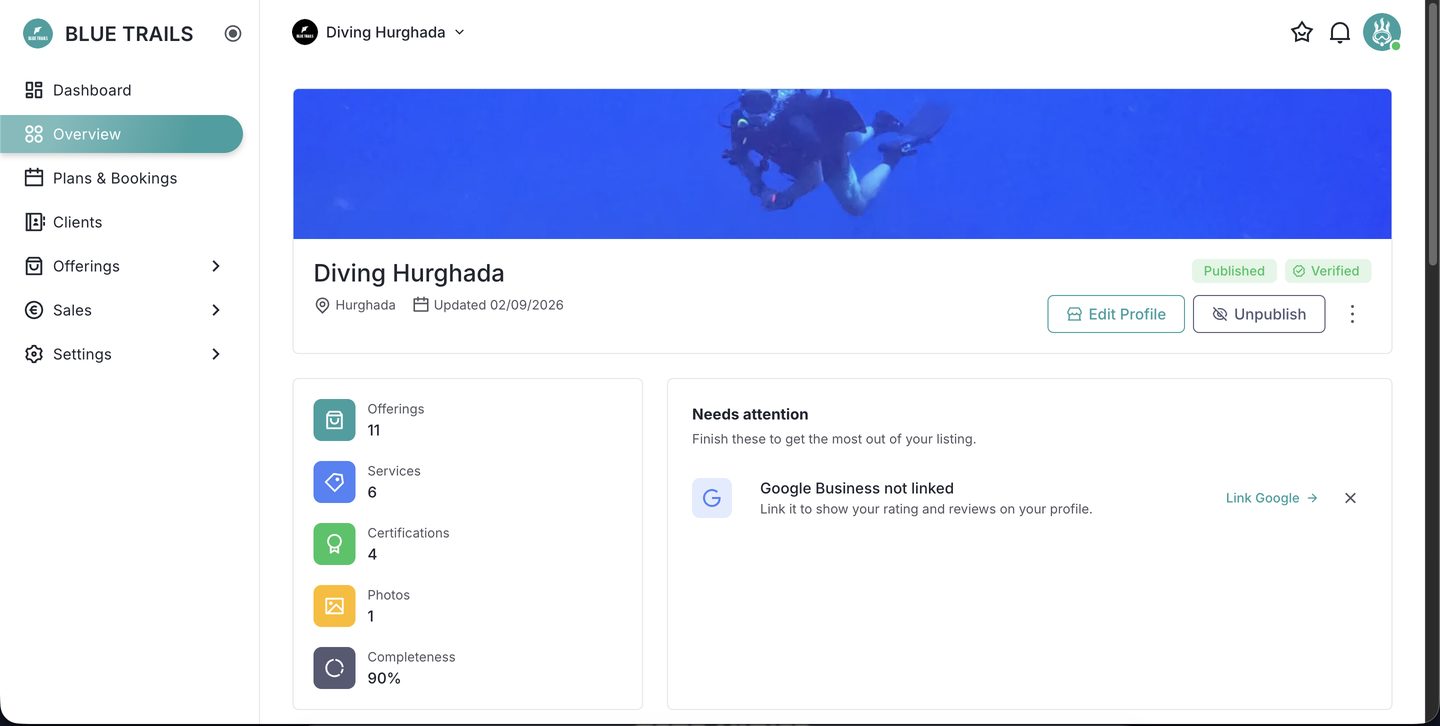
The Overview also keeps a running count of your offerings, services, certifications and photos, and flags anything worth finishing — like linking your Google Business profile.
Work through these in order:
- Complete the profile — the details divers see.
- Add photos.
- Link Google Business (optional).
- List your offerings.
- Get verified and publish.