
Appearance
Charge a client
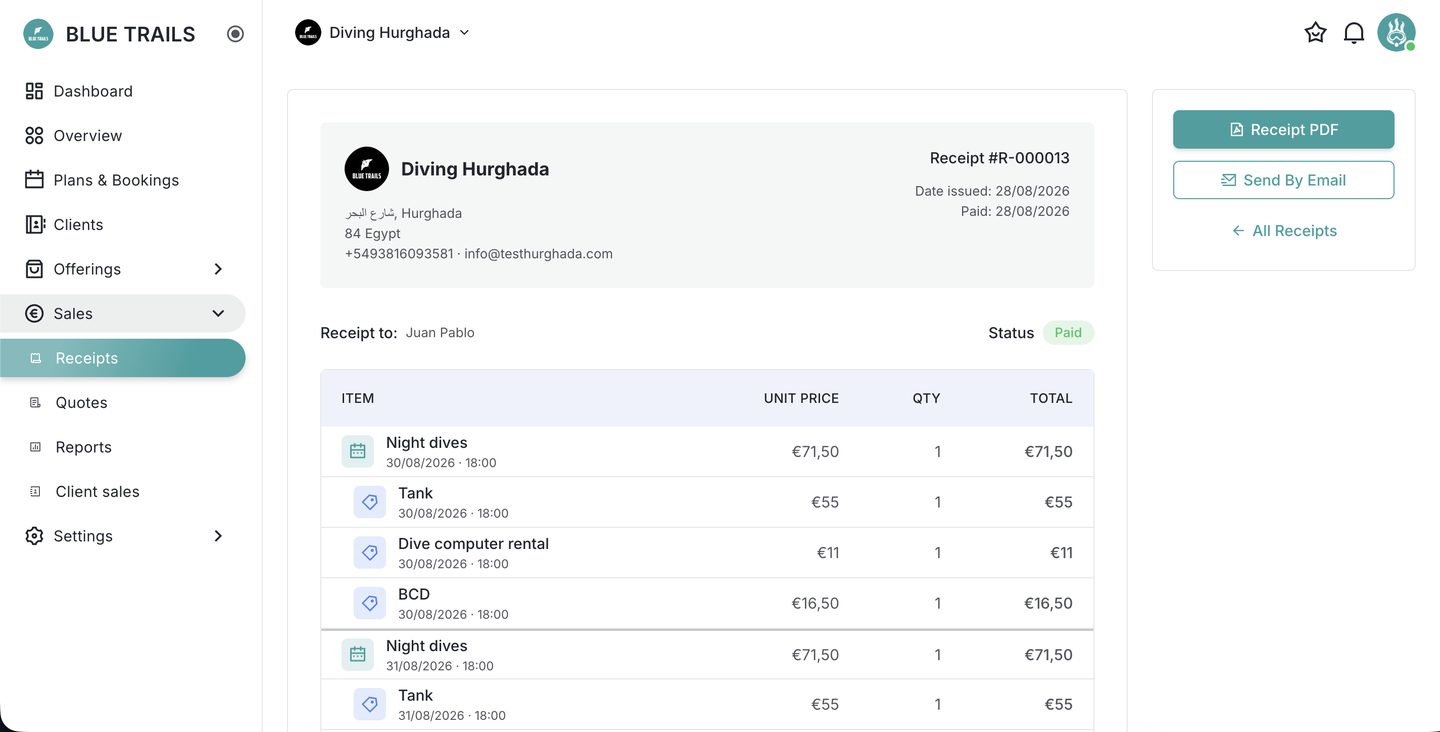
Open a client and everything they have not been charged for is already there, each line naming the departure it came from. You are not building the bill, you are reviewing it.
Four ways in
The question "should I charge them?" turns up in different places, so the shortcut exists in all of them:
- from Client sales, on the row of anyone with a balance,
- from the diver's chip on the roster, while you are calling the list for the boat,
- from the client's own record,
- and from Receipts, starting with New receipt.
All four land on the same screen with the same lines.
Reading the lines
A line that comes from a booking is drawn as plain text: it is not editable, and showing it inside an empty-looking box would only invite you to try. A line you added by hand keeps its label editable — the desk sometimes needs to say "Tank ×2 — nitrox" — and keeps the button that opens the catalogue.
The icon on the left says whether the line is a service or a rental. With fifteen rows in a column, "BCD" and "Night dives" read the same until something tells them apart.
Two rules that surprise people
- Gear priced per day is charged once per client per day, no matter how many activities that diver has that day. Ten days with equipment is ten charges, not thirty.
- An activity with no price in the catalogue is not charged as zero. It says No price and waits for you to type an amount. A silent zero is a sale you never made.
Saving and charging
The draft lives on the screen until you press Save, and takes its number when you charge it. Once charged it cannot be edited — if something is wrong, void it and issue another.