
Appearance
Preferences
Preferences set how the portal shows dates, numbers, prices and units. Open Settings → Preferences.
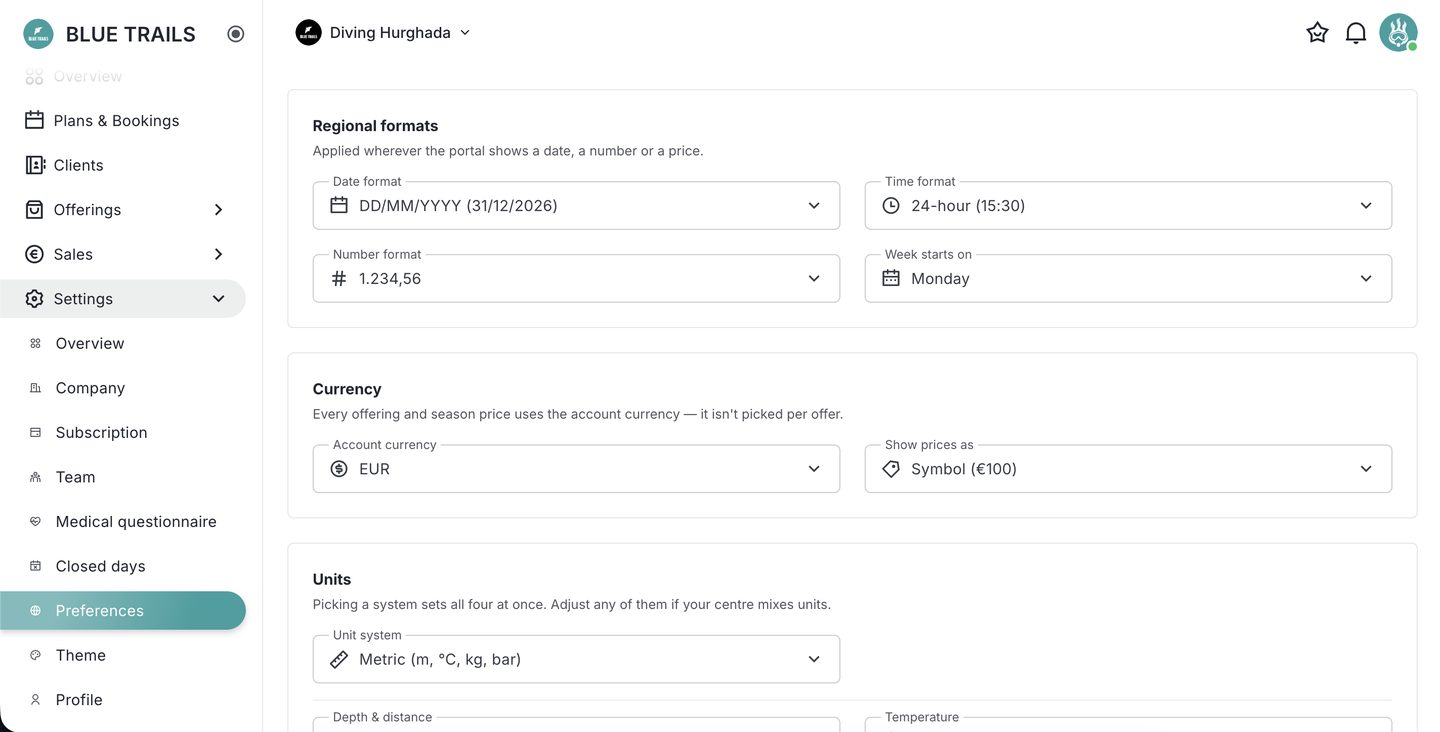
Regional formats
- Date format — e.g. DD/MM/YYYY.
- Time format — 24-hour or 12-hour.
- Number format — how thousands and decimals are shown.
- Week starts on — Monday or Sunday, which also sets how your calendar lays out.
Currency
- Account currency — the single currency every service, rental and season price uses. It's set once here, not per item.
- Show prices as — how the currency is displayed (e.g. code, EUR 100).
Units
Picking a system (metric or imperial) sets depth, temperature, weight and distance all at once. You can then override any single unit if you mix them.
These are account-wide
Preferences apply across the portal for your account, so your whole team reads prices and dates the same way.