
Appearance
Build a quote
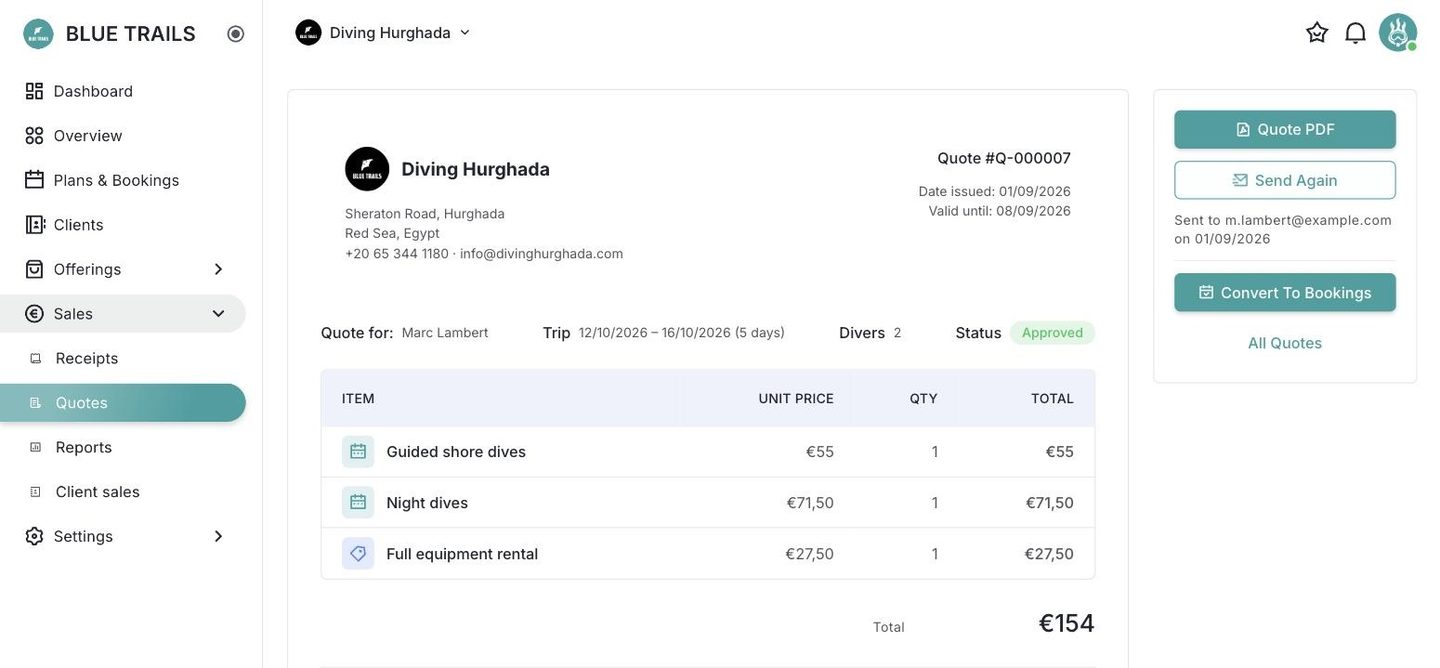
A new quote is born blank. Pick the client, add what the trip is made of, set how long the offer stands.
The client
Choose an existing one from the picker, or create one on the spot without leaving the screen — it is the same client editor you use in the client book, opened in place.
The name is stored as it reads today. If the client changes their name later, the quote you already sent keeps saying what you sent.
The lines
Items come from the same catalogue panel as a receipt, so everything you have in Offerings is one click away. A manual line is also fine when the trip includes something that is not in the catalogue.
Each line can carry a desired date. It is a suggestion, not a commitment: all it does is preload the date range when you turn the quote into bookings.
Per person or per day
A quantity on a service line means one of two very different things, so you say which:
| Unit | "×3" means | What it becomes |
|---|---|---|
| Person | three divers on one departure | one booking with three seats |
| Day | three days of diving | three bookings, one seat each |
The paper writes it out — "×3 days", not just "×3" — because the difference between three people and three days is the difference between one outing and a week.
It is one axis, not two
"Three people for ten days" cannot be a single line. Load three lines, which is what the desk ends up doing anyway once each diver books different days.
Rentals do not need this: an equipment line is already priced per unit or per day by its own price.
Valid until
Defaults to 30 days and gets printed on the document. It is what turns the quote into something the client acts on instead of something that sits in an inbox.
Nothing is spent until you send
The draft lives on the screen until you save it, and the number is assigned when you send it. A quote you start by mistake and throw away does not burn a correlative or leave a gap in your numbering.