
Appearance
Company and profile
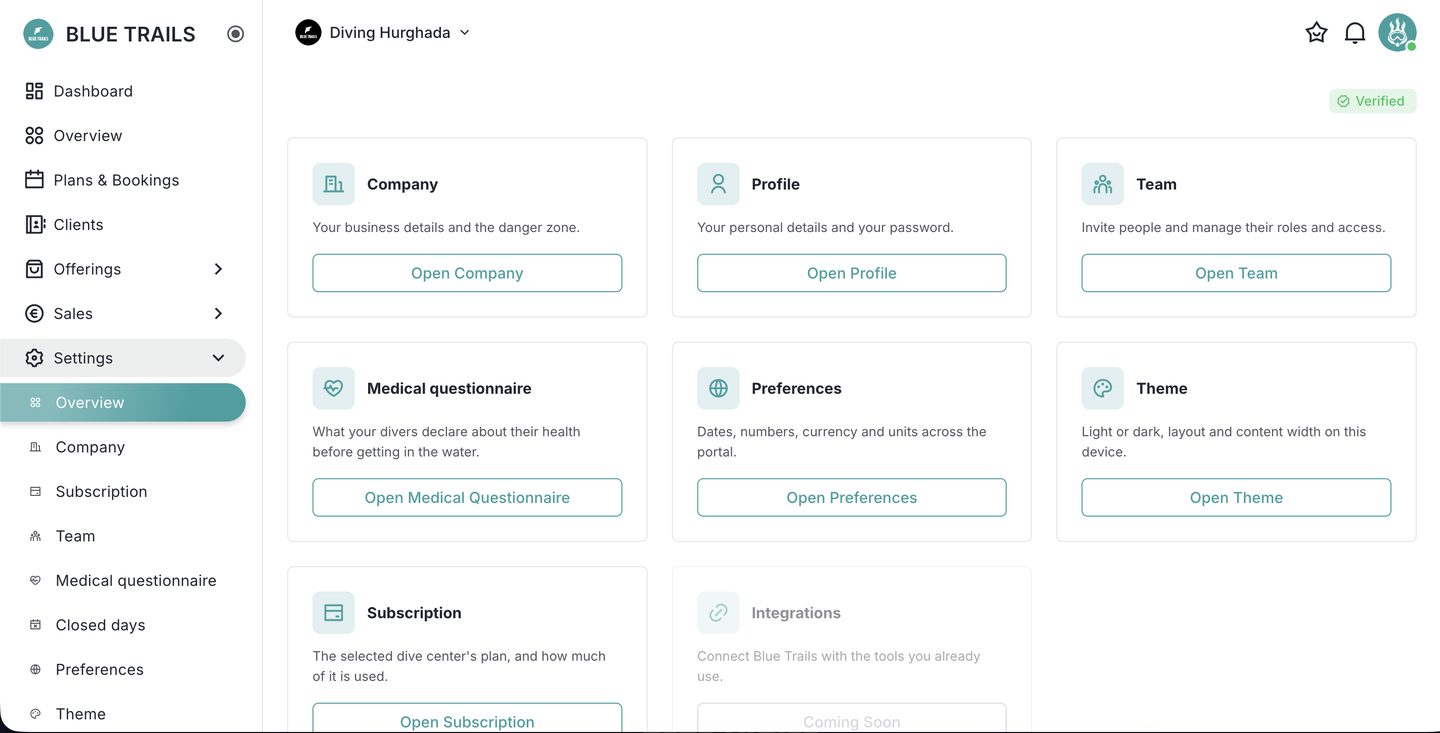
Settings is the account's control room. Open it from the sidebar; the Overview lays everything out as cards.
Company
Your business details — the account's name, type (company or individual), plan and verification status — plus the danger zone for closing the account. See Closing your account.
Company details are managed by the owner and admins.
Profile
Your own personal details: your name, your role on board, your certification, and your password. Everyone edits their own profile, whatever their role.
The other cards
From the same Overview you reach:
- Team — invite people and set roles.
- Medical questionnaire — your own health questions.
- Preferences — dates, numbers, currency, units.
- Theme — how the portal looks on this device.
- Billing and Integrations — coming soon.
Waiting for Approval
A Waiting for Approval badge here means your account is still being reviewed by Blue Trails. It doesn't limit setup — see Verification and publishing.