
Appearance
Signing in
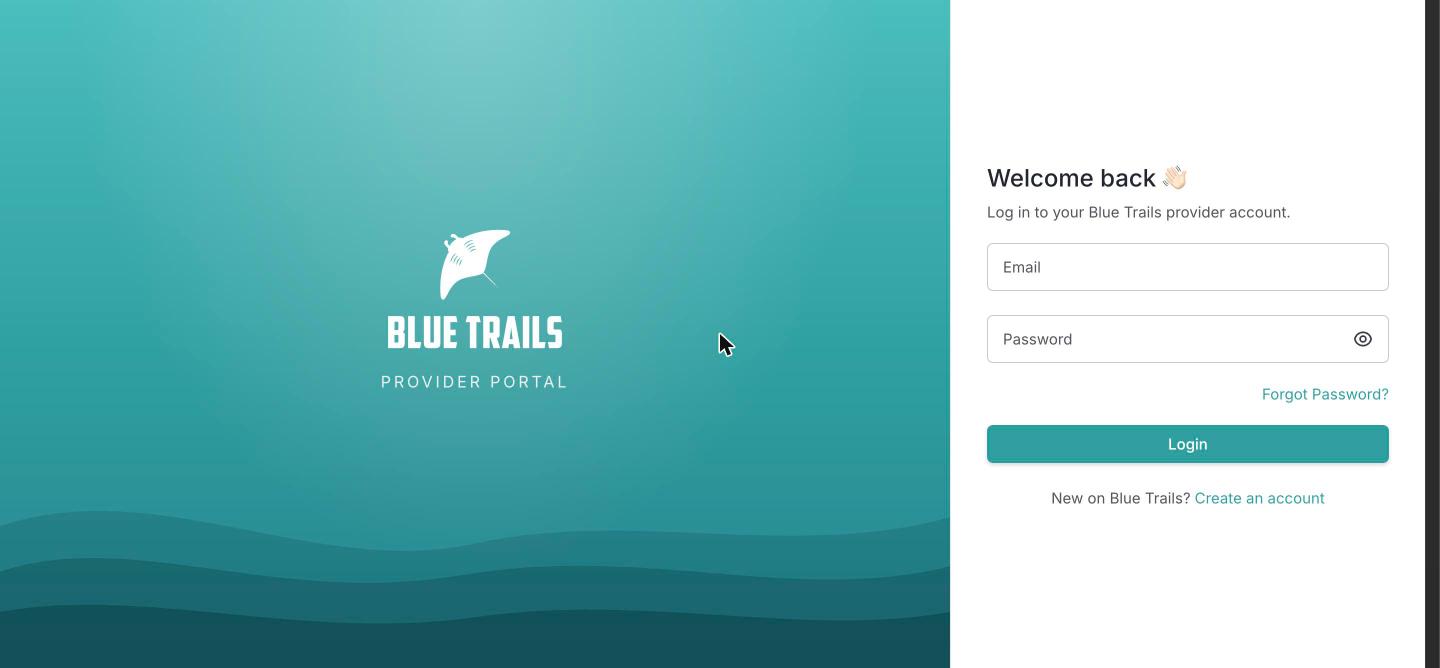
Once your account exists, go to providers.bluetrails.eu and enter your email and password.
First time here?
Your very first access doesn't happen from this screen — it happens through the link we email you. See Request an account.
Staying signed in
The portal keeps you signed in across visits, so you don't have to log in every time. For your security it signs you out automatically if your session can no longer be renewed — for example after a long time away, or after you change your password.
Changing your password
Changing your password from Settings → Security signs you out everywhere else on purpose: any other device that was logged in has to sign in again with the new password. This is what you want if you think someone else had access.
Trouble getting in
- Wrong email or password — double-check the address; passwords are case-sensitive.
- Forgot your password — use the Forgot password link. You'll get a 4-digit code by email to set a new one.
- Invited to a team — if a colleague invited you to their account, open the link in the invitation email and set your password there; that both joins the account and signs you in.
See Troubleshooting if none of this helps.