
Appearance
Request an account
Blue Trails is onboarding dive centers and instructors by invitation: you do not create the account yourself, we create it for you. Getting set up takes one form and about five minutes of your time.
1. Ask for access
Fill in the request access form on bluetrails.eu. It asks for:
- who we are talking to and, if you have one, your business name,
- where you operate (city and country),
- whether you are an independent instructor or a dive center.
It is the same link you get from New on Blue Trails? on the portal's sign-in screen. If you would rather write to us, contact[at]bluetrails.eu reaches the same inbox — the form just saves you describing all of the above.
2. We create your account
We set the account up on our side and email you:
- a 4-digit code, and
- a direct link to the screen where you enter it.
You never have to invent a password or find a sign-up page — the email is your way in.
3. Enter your code
The link opens this screen with your email already filled in. Type the four digits; it submits on its own as soon as you enter the fourth.
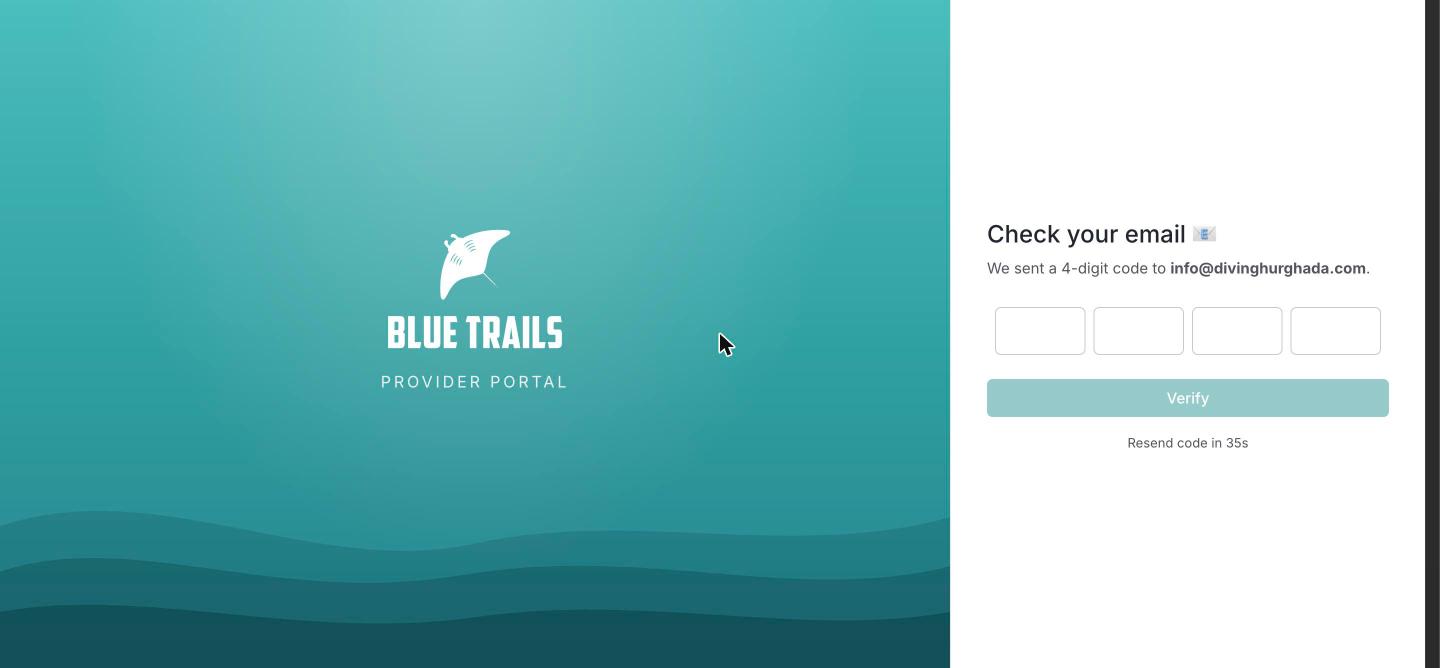
If the code doesn't arrive, check your spam folder and then use Resend code — there's a 60-second cooldown between requests. If it still doesn't show up, just reply to our email.
4. Set your password and details
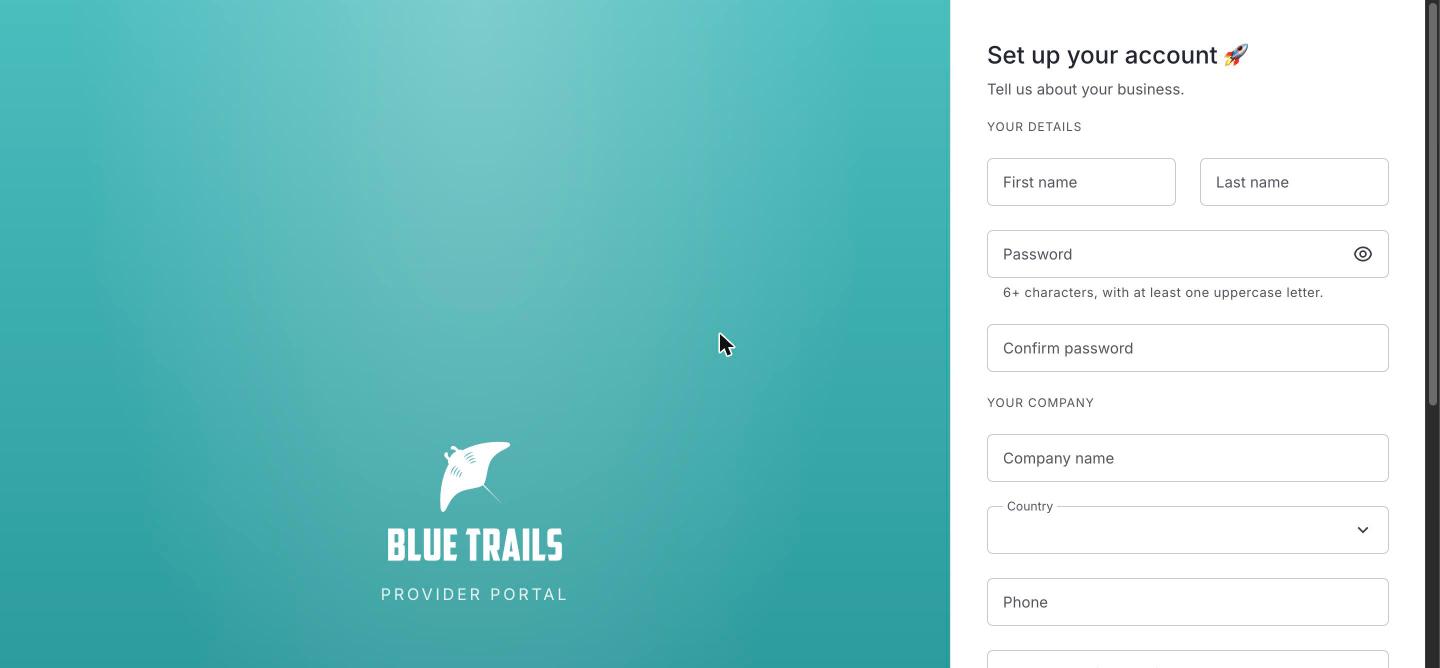
Give your name, choose a password (at least 6 characters with one uppercase letter) and fill in your business details. Companies also enter a company name; independent instructors can leave it blank and it defaults to your own name. You'll also be asked to accept the Terms of Service and Privacy Policy.
Save, and you land on your dashboard already signed in. From then on you get in from the normal sign-in screen.
What's next
Take a tour of the interface, then create your dive center.